
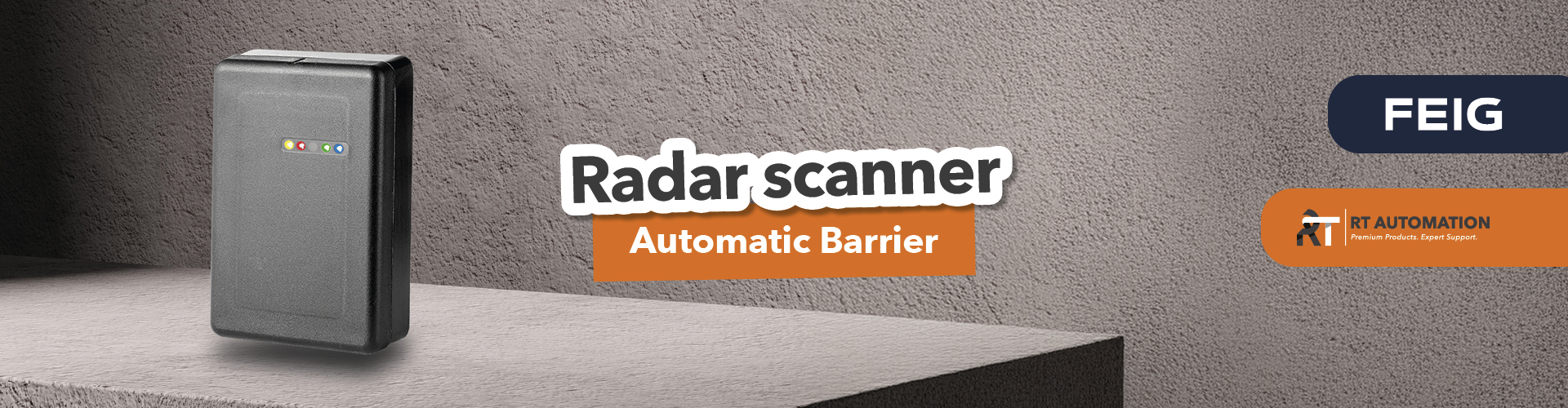
The FEIG MWD SBP is an intelligent millimetre-wave radar scanner designed to detect vehicles, people and obstacles in automatic barrier access areas.
It mounts directly onto the barrier housing, can be configured via smartphone and, in compatible applications, eliminates the need for traditional in-ground inductive loops.
What Are the Benefits?
- Less civil engineering work: no need to cut into the tarmac to install inductive loops.
- Faster installation: fewer cables to lay and fewer installation steps.
- Easier maintenance: the sensor remains accessible on the barrier.
- Three functions in one device: opening, protection and passage detection.
- Smart configuration: detection zones and filters managed via Bluetooth.
A solution worth considering for car parks, commercial premises, residential complexes and controlled vehicle access points.
Does Installing an Automatic Barrier Really Mean Having to Dig Up the Road?
Would you like a solution for managing vehicle and pedestrian detection without having to cut into the road surface or install detectors that are complicated to manage?
Picture this: you arrive on site, inspect the access point, prepare the installation and then face one of the least enjoyable stages of the job: cutting into the tarmac to install inductive loops.
This takes time, tools, cables and road surface reinstatement. Every stage adds costs and can lead to unexpected complications.
But what if your budget doesn’t cover this type of installation? What can you do?
What if you could manage vehicle detection without installing sensors beneath the road surface?
What Is the FEIG MWD SBP and Why Should Installers Be Interested?
The MWD SBP from FEIG ELECTRONIC is a Smart Radar Scanner designed for access control systems with automatic barriers.
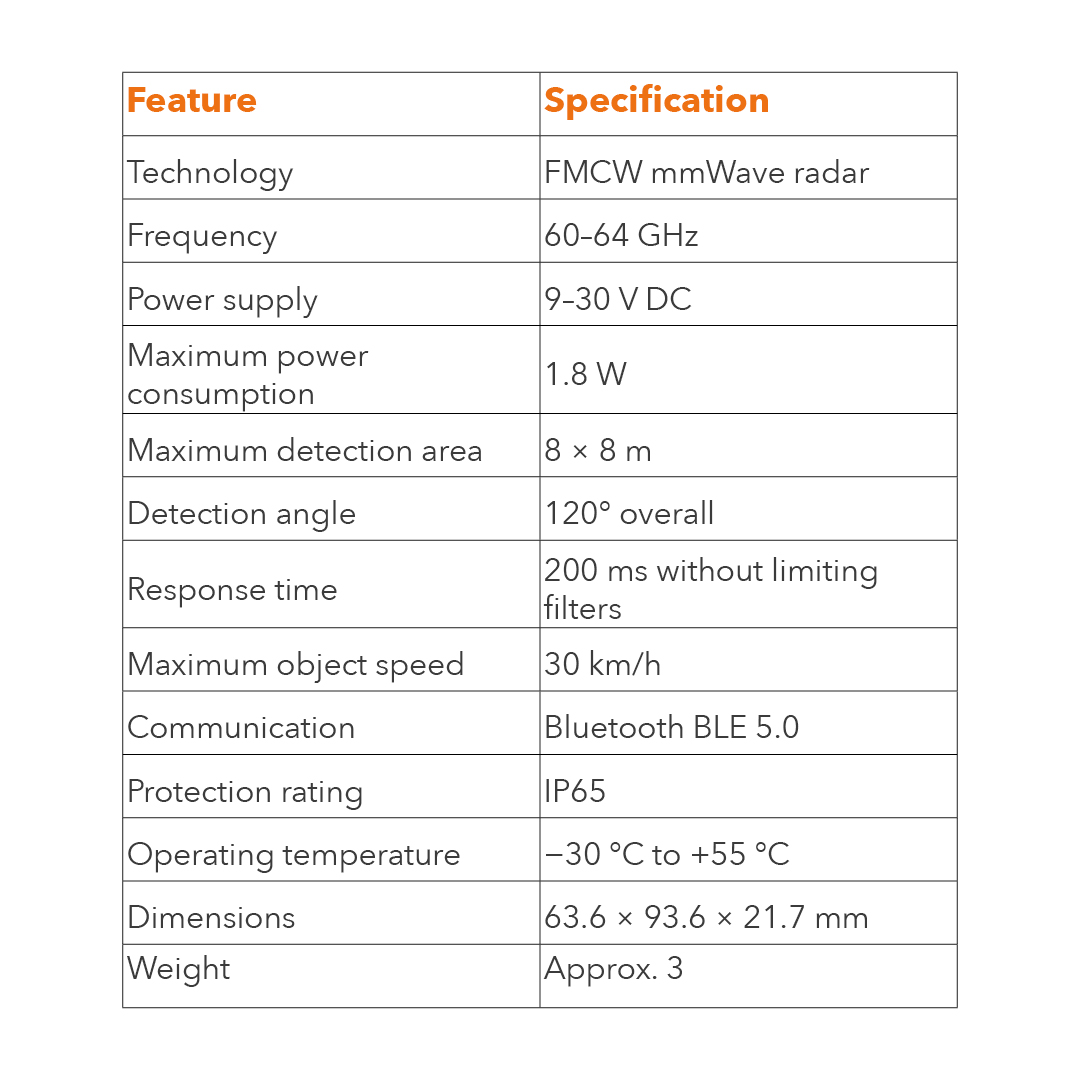
It uses FMCW mmWave radar technology, operating at frequencies between 60 and 64 GHz, to detect moving and stationary objects in the areas surrounding the barrier.
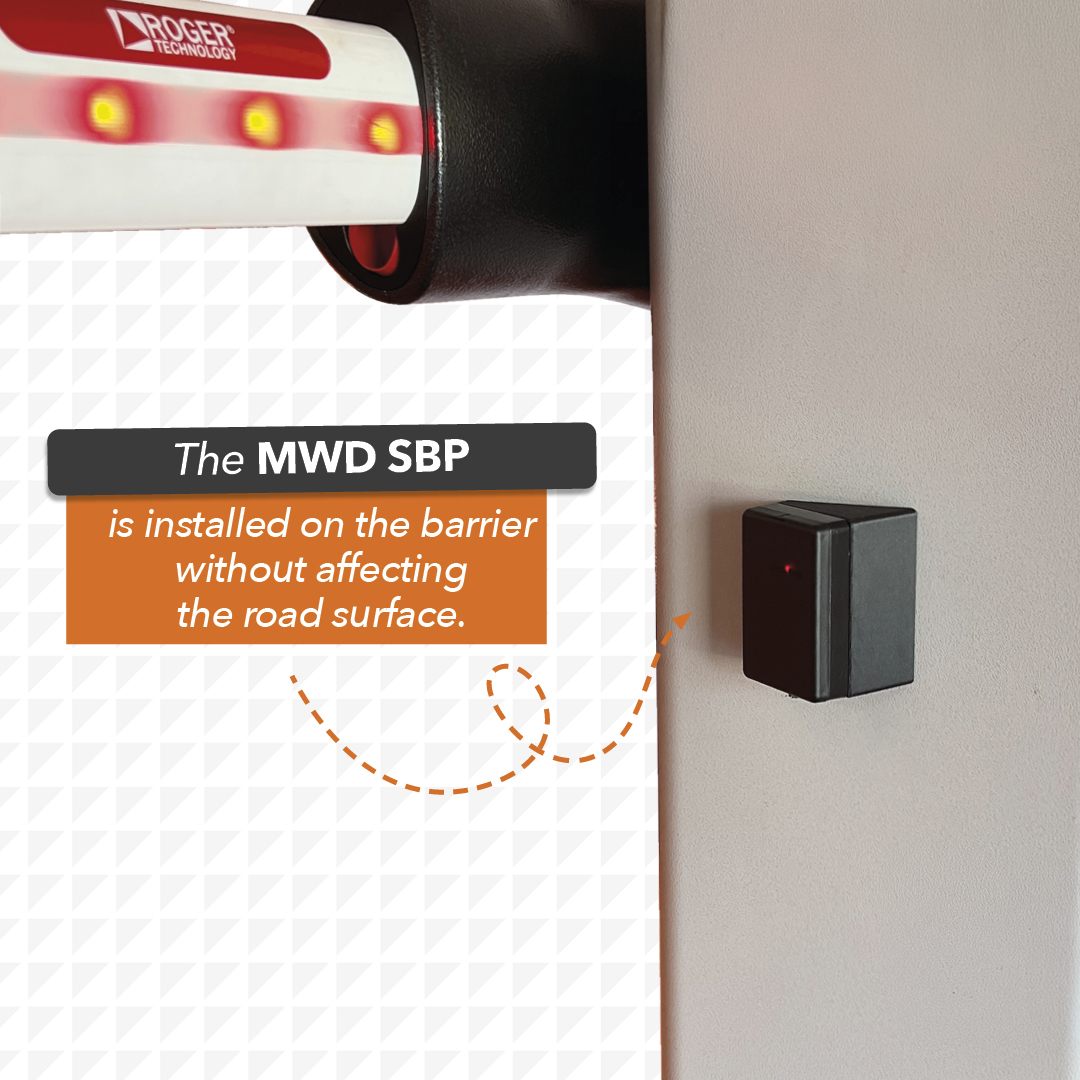
The key difference compared with a traditional inductive loop is that the loop requires a circuit to be embedded in the road surface, whereas the radar is mounted onto the barrier housing and monitors the areas defined during commissioning.
In suitable applications, this reduces civil engineering work and combines multiple functions in a single sensor.
The device can distinguish between people and vehicles, detect a stationary vehicle beneath the barrier arm and manage multiple zones with different operating logic.
One Radar, Three Useful Functions
The FEIG MWD SBP features three independent outputs that allow separate functions to be managed.
1. Automatic Barrier Opening
The radar detects a vehicle approaching the access point and can send an opening command to the control unit.
Software filters help exclude pedestrians from the opening logic and, where the site layout allows, ignore crossing traffic or vehicles travelling in the opposite direction.
2. Protection of the Area Beneath the Barrier Arm
The sensor monitors the protection zone and detects the presence of people or vehicles, even when they are stationary.
This is an important function for managing obstacles within the barrier’s operating area.
The suitability of the radar as a protective device must always be assessed according to the project, installation conditions and applicable safety requirements.
3. Passage Detection
A third output can provide a signal confirming that a vehicle has passed through.
This function can be useful for vehicle counting systems, car park management or ticket validation.
Three different tasks, managed through a single device with configurable detection zones.
How Does the FEIG MWD SBP Radar Work?
The radar scans the area in front of the sensor and detects objects within the configured zones.
Thanks to its technology, it can identify both moving and stationary objects.
This is particularly useful at an automatic barrier access point, where a vehicle may stop while waiting for the barrier to open or remain beneath the barrier arm during passage.
The installer can define the opening and protection zones according to the lane layout, barrier position and specific site requirements.
Installation: The Sensor Mounts Directly onto the Barrier
The FEIG MWD SBP is secured to the barrier housing using four M5 screws.
Three mounting options are available:
- Flat front mounting: suitable when the main objective is to monitor the area beneath the barrier arm.
- 30° angled mounting: recommended for covering both the opening and protection zones.
- Recessed mounting: possible when the barrier housing has a suitable mounting recess.
The specified installation height ranges from 30 to 90 cm, with a recommended height of approximately 60 cm above ground level.
For applications requiring Level D according to EN 12453, the maximum specified installation height is 70 cm, with a person protection range of up to 6 metres.
During installation, it is important to avoid vibrations and obstructions in front of the sensor, following the instructions in the FEIG manual.
Smartphone Configuration with MWD Scanner Assistant
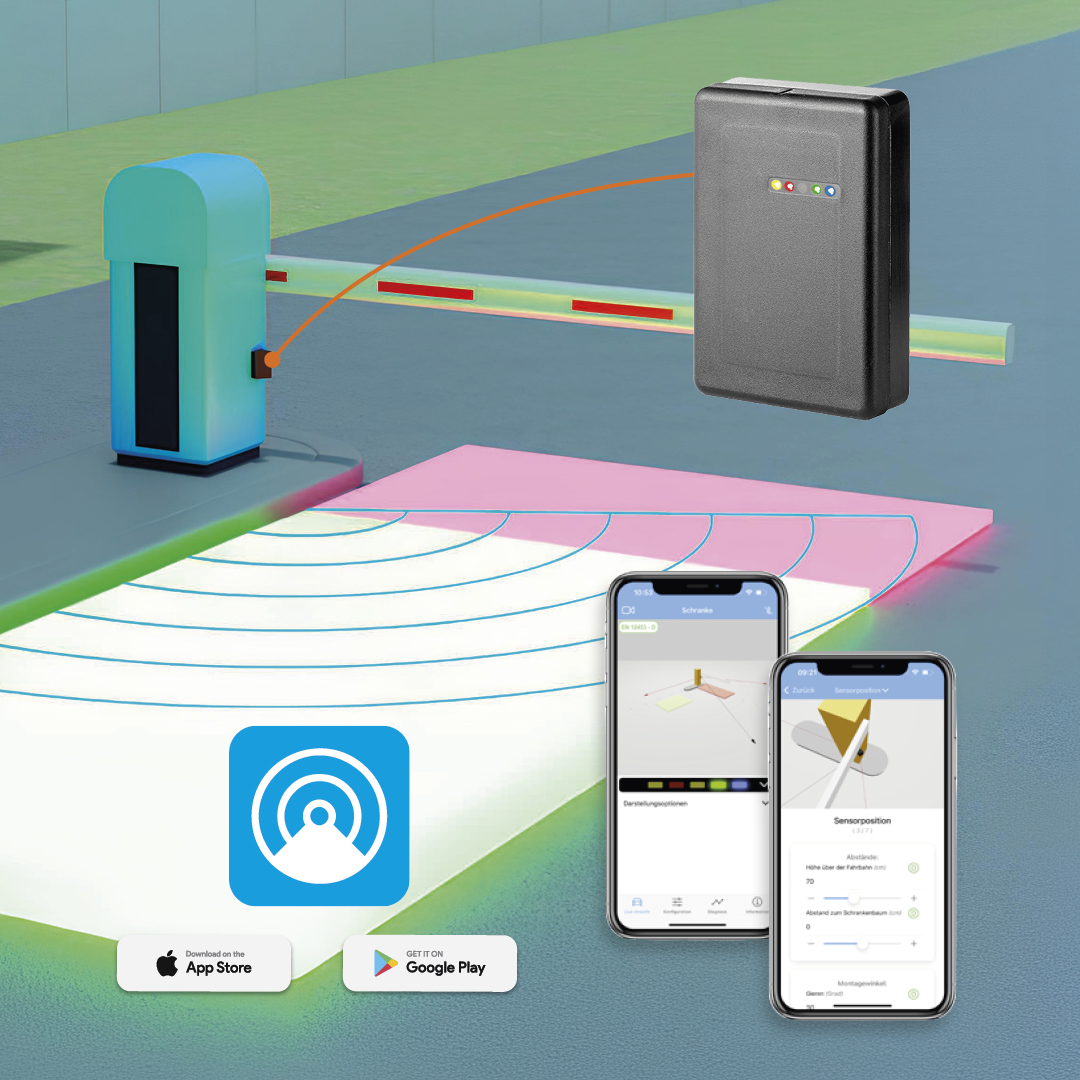
Once installed and connected, the radar can be configured using the MWD Scanner Assistant app via Bluetooth BLE 5.0.
Using the app, you can:
- Define the shape, size and position of the detection zones.
- Set the opening and protection logic.
- Manage filters for people, vehicles and direction of movement.
- Configure the NO/NC outputs.
- Start the environmental learning process.
- Access diagnostic information and perform the available updates.
The five front LEDs also provide direct feedback on detection activity and device status.
This makes checks during commissioning more convenient.
Residential Complexes Where Is the FEIG Smart Radar Scanner Most Useful?
The FEIG MWD SBP offers interesting opportunities for both new installations and retrofit projects.
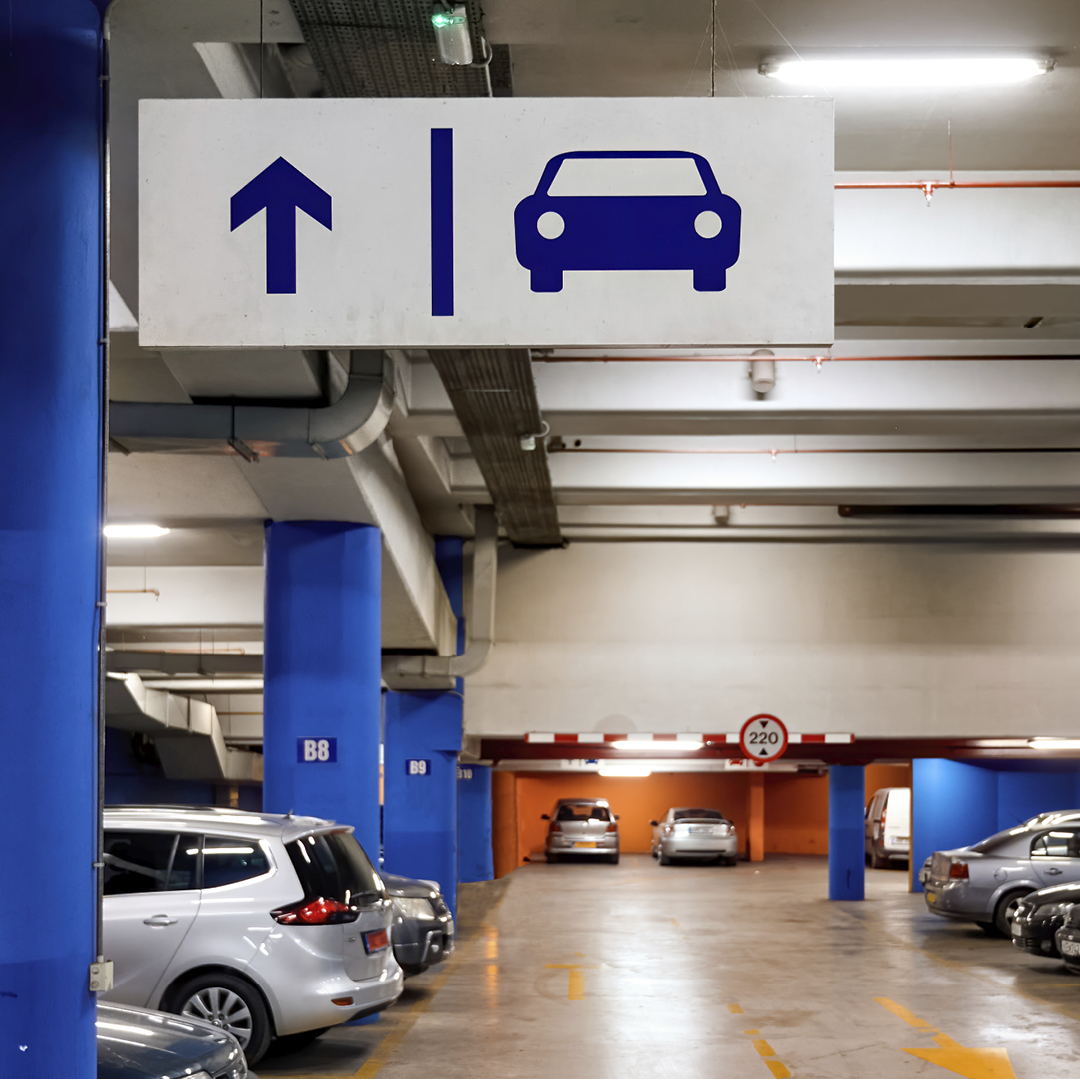
Car Parks and Parking Areas
In car parks, the radar can manage approaching vehicle detection, presence detection beneath the barrier arm and passage confirmation.
Where compatible, the dedicated passage output can be integrated with vehicle counting or ticket validation systems.
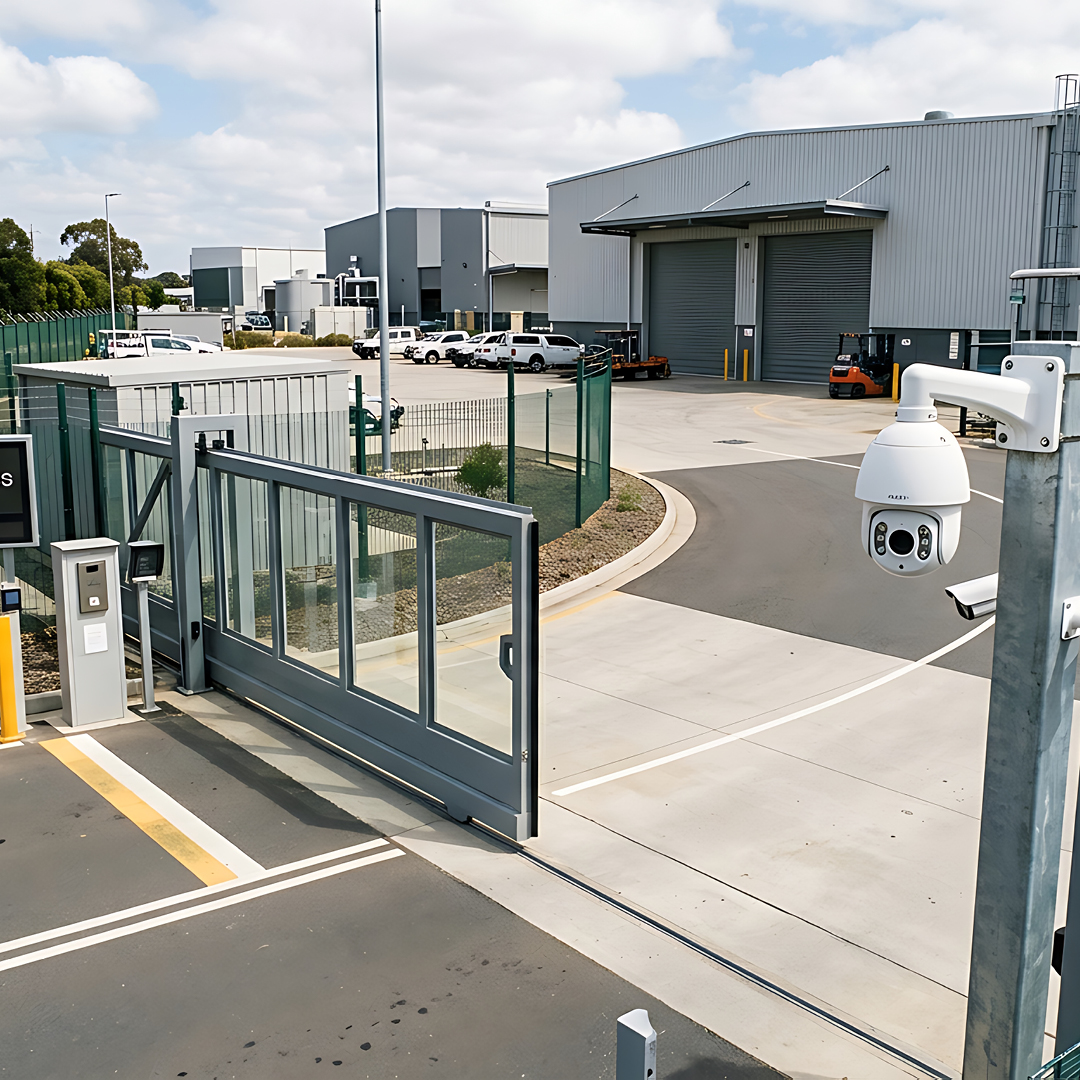
Commercial and Industrial Access Points
At entrances with frequent vehicle traffic, the ability to configure detection zones and filter vehicle direction helps adapt detection to the lane layout.
Distinguishing between people and vehicles provides additional options for defining the opening logic.

Residential Complexes
At access points to residential complexes, reducing the need to cut into the road surface can simplify installation and minimise disruption to the existing paving.
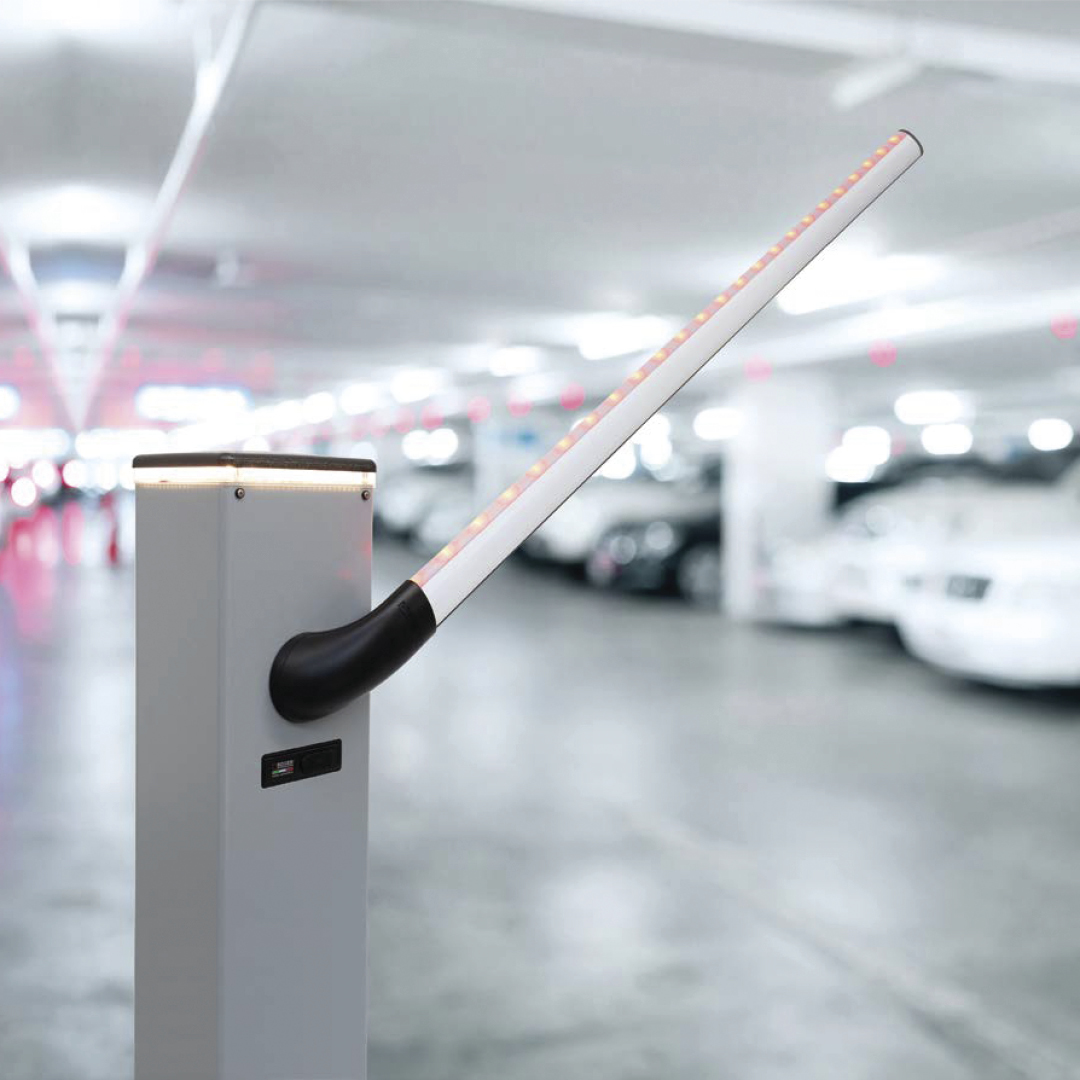
Retrofitting Existing Barriers
This is one of the most interesting applications.
When an inductive loop needs attention, the radar can be considered as an alternative without having to install a new in-ground loop.
Before choosing this solution, it is essential to check the access point geometry, control unit, barrier arm length and safety requirements.
Can It Really Replace Inductive Loops and Photocells?
The FEIG MWD SBP can eliminate the need for inductive loops in compatible applications and, under certain conditions, perform functions traditionally handled by photocells.
However, this does not mean that every installation can operate without additional protective devices.
The decision depends on the risk assessment, barrier characteristics, installation conditions and applicable standards.
Before recommending the radar to a customer, it is therefore important to check:
- Barrier arm length and lane geometry.
- Sensor position and installation height.
- Area to be covered and potential obstructions.
- Electrical and functional compatibility with the control unit.
- Safety requirements and the tests required for the installation.
Technology makes the job easier when it is selected and configured for the right application.
Want to See How the FEIG MWD SBP Performs in Real-World Applications?
RT Automation, an official FEIG distributor in the United Kingdom, can help you assess the Smart Radar Scanner’s features and suitability for your projects.
By registering for the Reserved Area of this website, RT Automation gives you free access to a video tutorial on installing and configuring the FEIG MWD SBP, which you can use for your next installation.
The best way to understand the value of a new solution is to see it in action.